Here we demonstrate several common scenarios of EasyQuery usage with different layouts, database connections, front-end frameworks, and other settings. All demos were made with the help of EasyQuery library version 7.x and can be easily reproduced in your own projects.
Advanced Search
Demo application that shows the most common use of EasyQuery controls.
The page itself is implemented as a Razor Page.
The model is loaded from the XML file but you can easily switch to loading it directly from DB connection.
Open demo page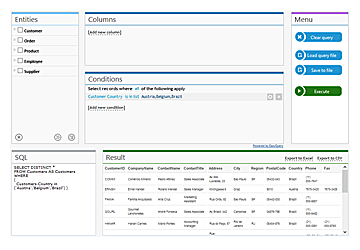
Ad-hoc reporting
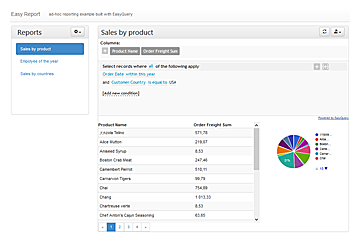
This page demonstrates how to use EasyQuery to implement a custom ad hoc reporting solution in your web application.
In this scenario we also show how EasyQuery can be integrated with ASP.NET Core authentication/authorization services.
So, to access this page you will need to login first.
You can register a new account for that or use the predefined "demo user" credentials.
Data Filtering
Demo application that shows a special FilterBar control that works together with FullText Search functionality
This is a great demonstration of using EasyQuery components without the middleware part. The server side part is implemented in Controller.
Open demo page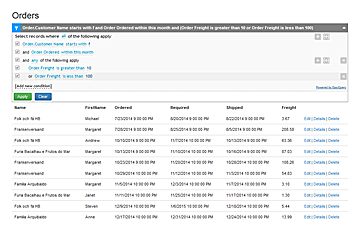
Data Filtering via Middleware
The same data filtering scenario (a FilterBar plus a full-text search box over the list of orders),
implemented with almost no server-side code: the EasyQuery middleware (MapEasyQuery) serves the requests,
and the result grid with paging is rendered by EasyQuery's own DataFilterView widget.
The full-text search is done by the library as well. The search text is turned into hidden conditions over the model, numeric and date/time fields included (try "10248", "32.38" or "2024-08"), and combined with the FilterBar conditions.
How it differs from the demo above: there, a hand-written MVC controller receives the filter, runs the search in its own LINQ code and renders the result with a Razor view, so you control every line of server code and markup. Here, you only configure the middleware, and the widget renders the result.
Open demo page